

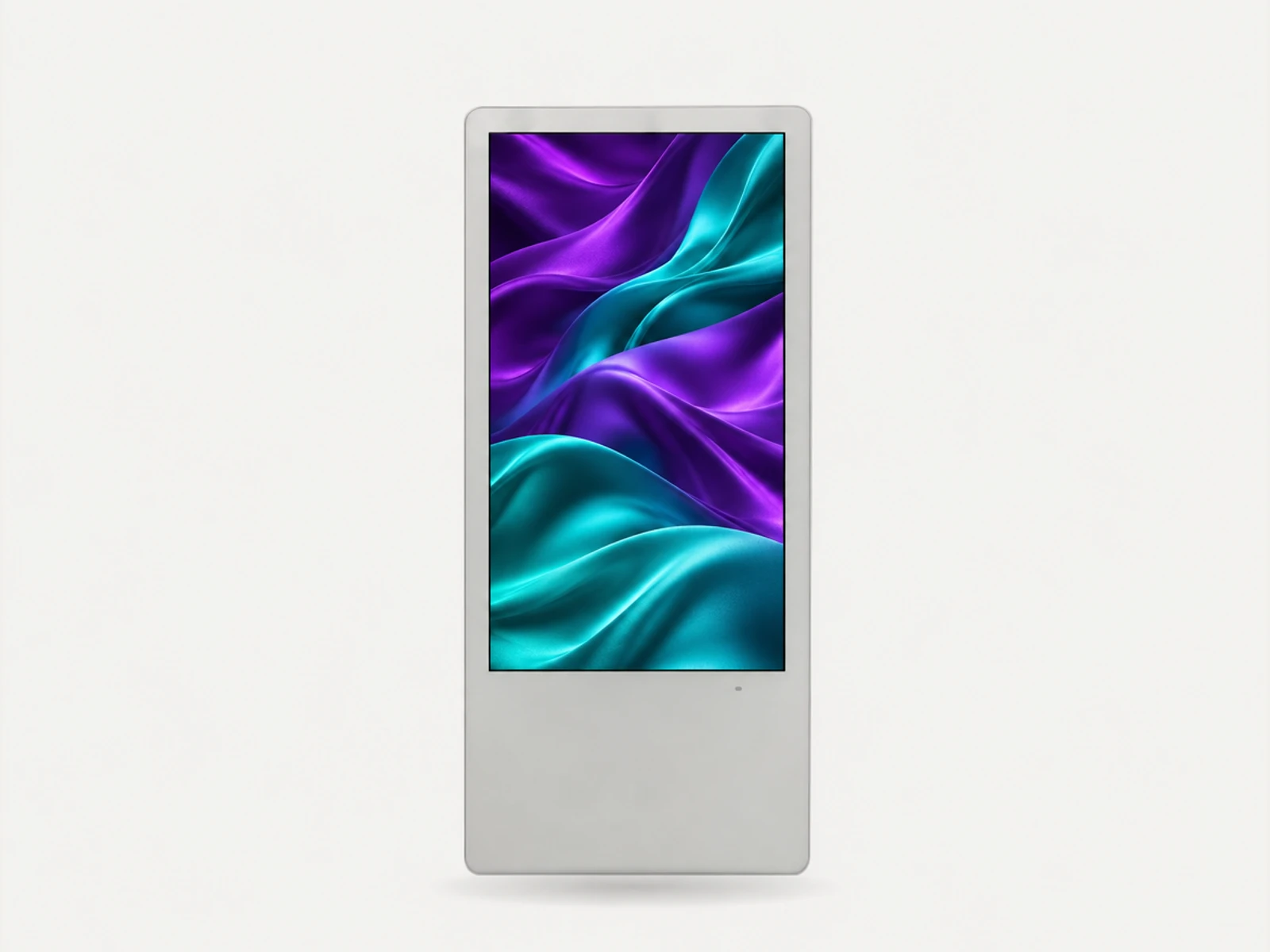
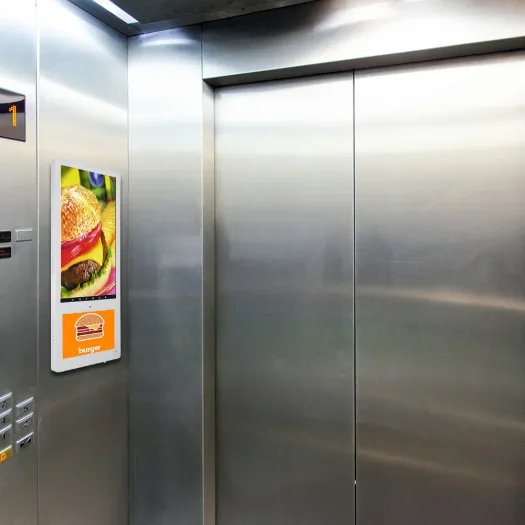
 Signage displaysScreens that simply do their job, day after day. Displays for continuous operation in shops, offices, lifts and control rooms, from 13 to 115 inch.
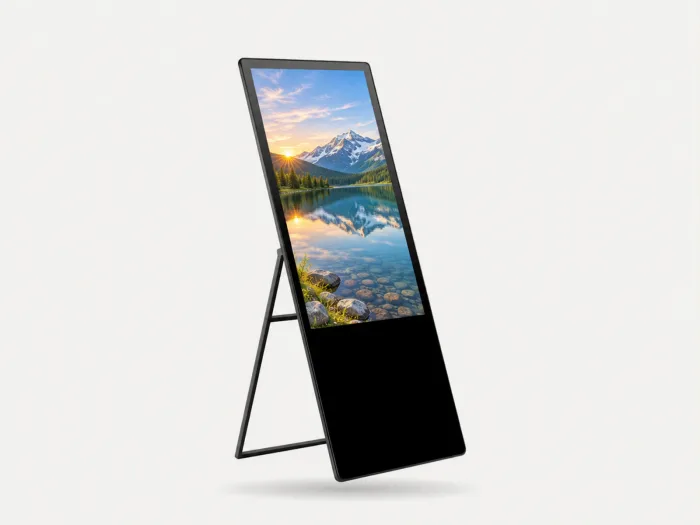
 Indoor digital totemsWelcome your guests as soon as they walk in. Free-standing portrait screens for entrance, reception and shopping centre, from 21.5 to 85 inch.
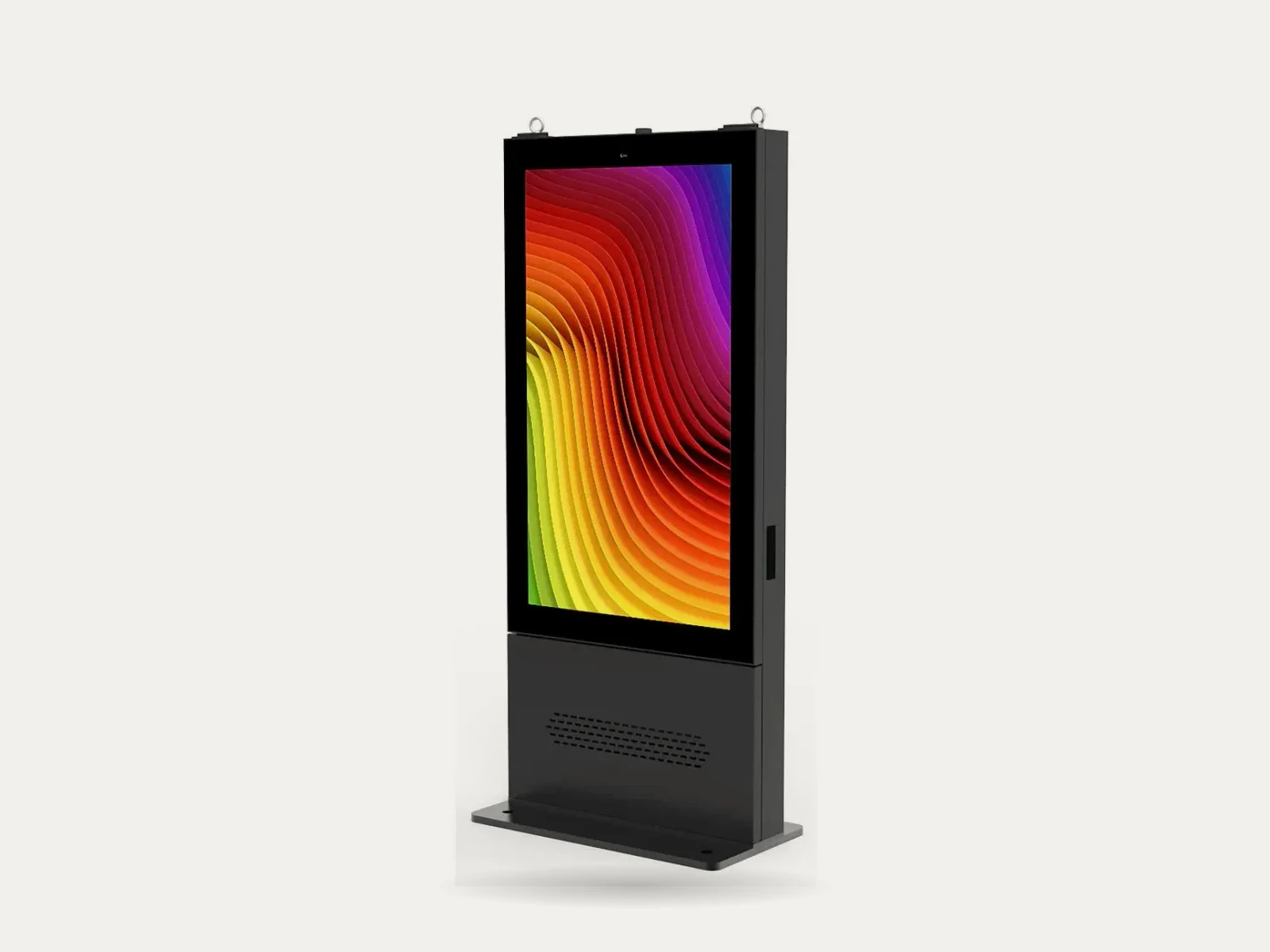 Outdoor digital totemsInformation and advertising outdoors, clearly visible in changing weather. Totems for the municipal square, petrol station and bus stop, 21.5 to 98 inch, many of them climate-controlled.
 Shop window displaysYour shop window keeps advertising, even after closing time. High-brightness displays that stay legible behind the pane even in sunlight – standing, hanging or double-sided.
 Digital menu boardsNew prices, dish of the day or promotion – directly on the screen, no reprinting. Digital menu boards for restaurants, bakeries and drive-thru, also for outdoors.
 LCD video wallWhen one screen is not enough. LCD panels with 0.88 or 3.5 mm bezel width, assembled into large images for control rooms, reception areas and shop premises.
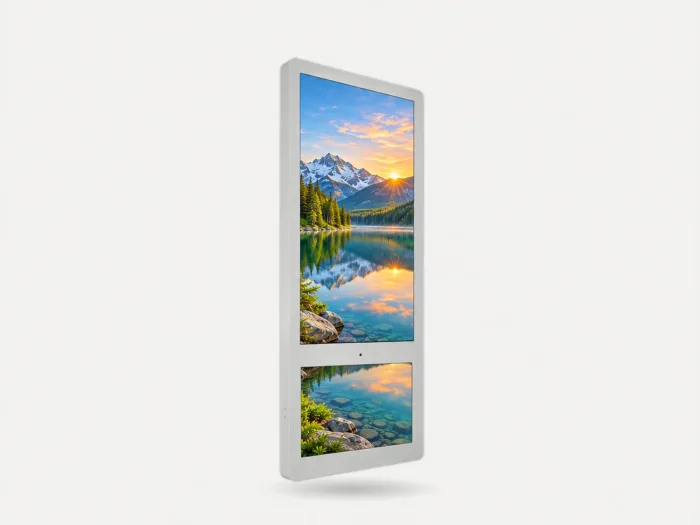
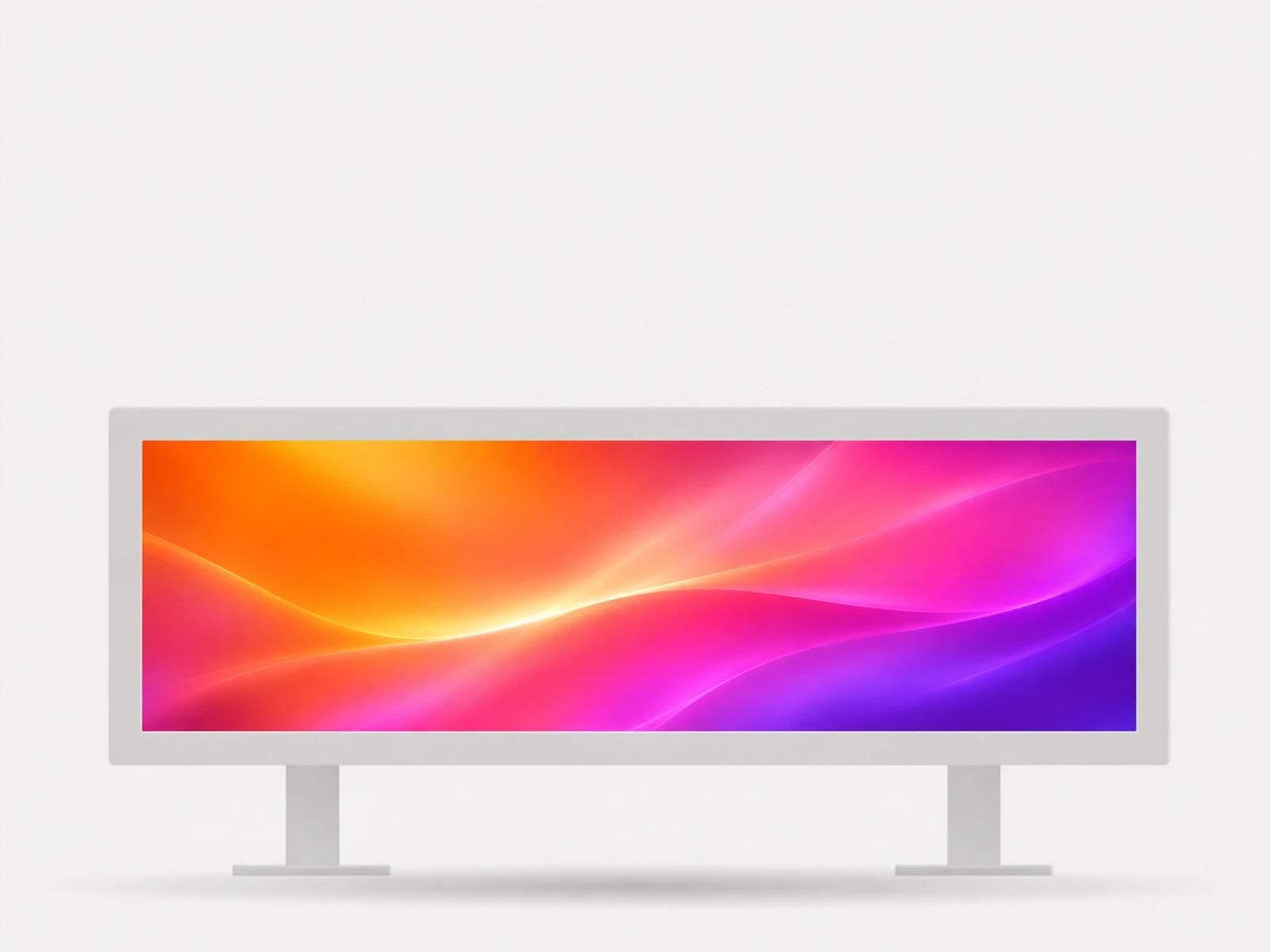 Stretched displaysUses space where no ordinary screen fits: wide, flat displays for counters, shelf edges and service desks, plus slim totems in strip format.
 Touch kiosks & terminalsOrder, check in, find your way – completely on your own. Touch terminals from 13.3 inch on the table to 86 inch outdoors.
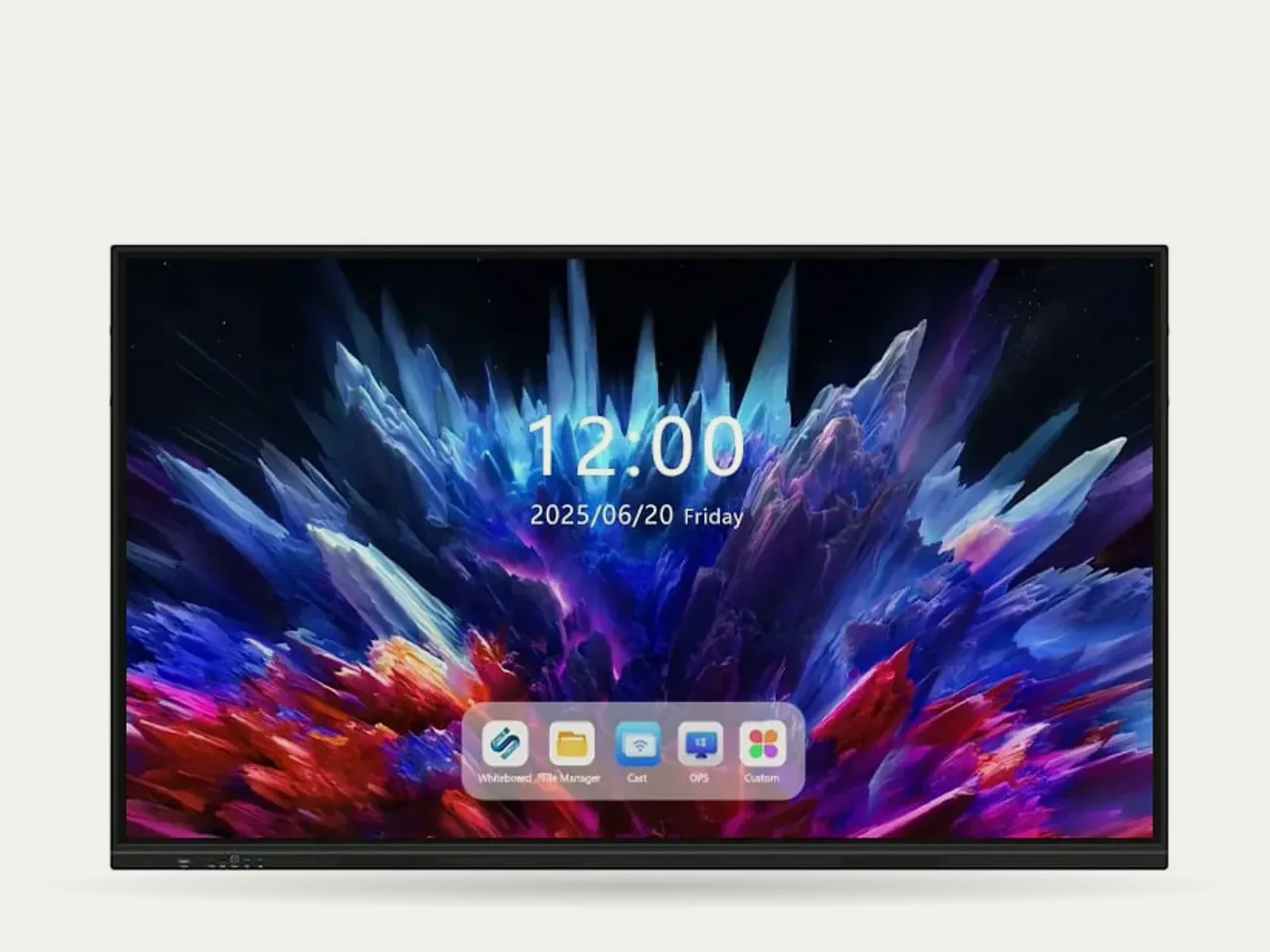 Interactive displays & boardsWorking together on one image. Interactive 4K screens up to 110 inches, where classes and teams write, present and hold conferences.
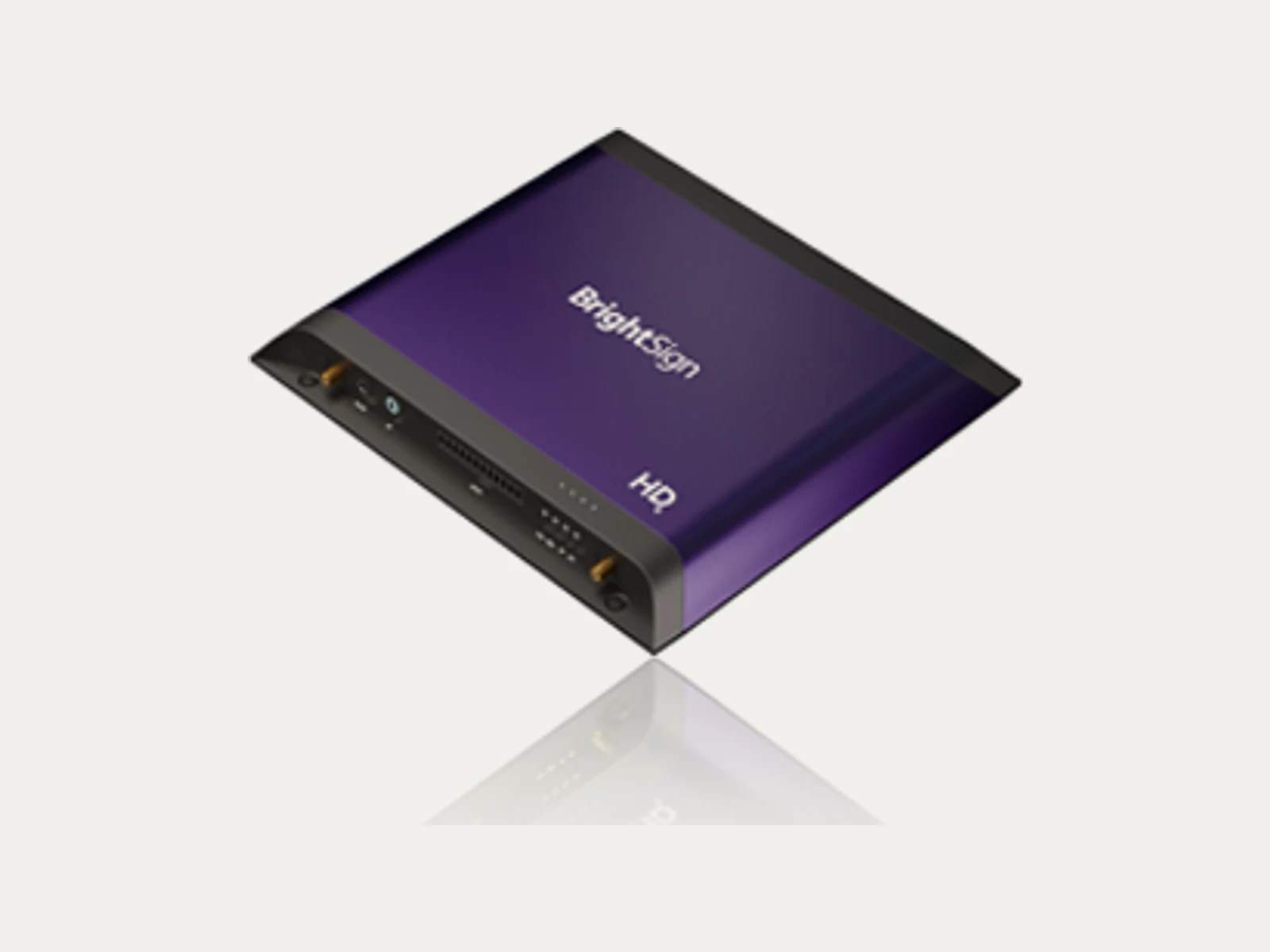 Media playersThe small box that reliably gets your content onto the screen: media players from BrightSign, OptiSigns, NovaStar and Yodeck, matched to the signage software.
 Cloud software (subscription)Plan content for one or many screens conveniently from your desk. Subscription cloud software such as OptiSigns or NovaStar VNNOX, plus remote monitoring for outdoor displays.
 E-paper & electronic shelf labelsChange prices without walking through the aisles. Electronic shelf labels and e-paper displays that you update centrally by radio.


Digital signage only works if display, software and operation fit together.
A system always has three layers. The display must suit the lighting and viewing distance. Player and software make sure your team can swap content itself. And in operation, someone is needed who takes care of it when something is not running.
The options compared
| Option | Advantages | Disadvantages | suited for |
|---|---|---|---|
| Professional display (LCD) | sharp up close, built for continuous operation | limited brightness indoors | Counter, reception, office |
| High-brightness shop window display | readable behind glass even in sun | needs a heat concept | Shop window, estate agent, pharmacy |
| Digital totem | freestanding, clearly visible in the entrance | needs floor space, outdoors climate control | Entrance, square, trade fair |
| Touch kiosk | Guests search for themselves, also with printer or scanner | more effort for content and upkeep | Wayfinding, check-in, ordering |
| LED wall | seamless, very bright, any size | more expensive than LCD for short distances | Lobby, stage, large surfaces |
What you need, depending on the task
| Task | suitable device | |
|---|---|---|
| Advertising in the shop window | high-brightness display or transparent LED | Shop window display |
| Outdoor advertising at the shop | LED billboard | LED billboard |
| large image area, lobby, stage | LED wall | Buy LED wall |
| Menu, prices, promotions | digital menu board | Menu boards |
| Orientation, information, wayfinding | information totem or touch kiosk | Indoor totems |
| Citizen information | digital notice board | Digital notice board |
What you need to watch for
Brightness: As a rule of thumb, 350–700 cd/m² is enough indoors. In a shop window with occasional sun it is usually 2,500 cd/m² and more. Outdoors a display likewise needs 2,500 cd/m² and more, plus weather protection.
Continuous operation: A TV is built for a few hours a day. Many manufacturers exclude the warranty for commercial continuous operation. Professional displays are designed for 16 or 24 hours a day.
Heat: It gets warm behind glass and outdoors. This calls for devices with a suitable panel temperature rating, ventilation or climate control.
Power and network: At the installation location you need power and a stable data connection. We clarify both at the appointment.
Installation: On a wall, ceiling, stand or totem – we check what your wall or floor can bear. You can find mounts under Mounts.
Permit: Indoors, a separate permit is usually not needed. Outdoors on the façade or freestanding, almost always. Details: Permit for LED advertising.
The software: swap content yourself
Via a content management system you upload images and videos and define what runs when and where. You control several locations centrally, with separate permissions for your team. We work brand-independent with common systems. We recommend what suits the number of locations and the budget. More on this under Digital signage software as well as CMS and remote maintenance.
What digital signage costs
A single display with player and software is a different order of magnitude from an LED wall or a network with many locations. The drivers are size and brightness, indoor or outdoor, number of locations, software licence and service. Guide values: a 55-inch outdoor totem approx. €5,500–7,500 net, the software approx. €12–16 net per screen and month. The price becomes binding after the appointment.
How a project works
- Enquiry: One sentence is enough: where and what should be displayed.
- On-site appointment with samples.
- Concept and guide price: Display, software, installation and service.
- Installation and training of your team.
- Operation: Content, updates and service.